

Follows your voice, stays invisible to others and runs entirely on your computer. Here is everything OzPrompter can do.
Watch how OzPrompter works in meetings, presentations and recordings.
Place the transparent, resizable, always-on-top window right below your camera. With "Hide from screen sharing", OzPrompter stays invisible to others even when you share your screen.
day free trial
computers per license
offline speech recognition
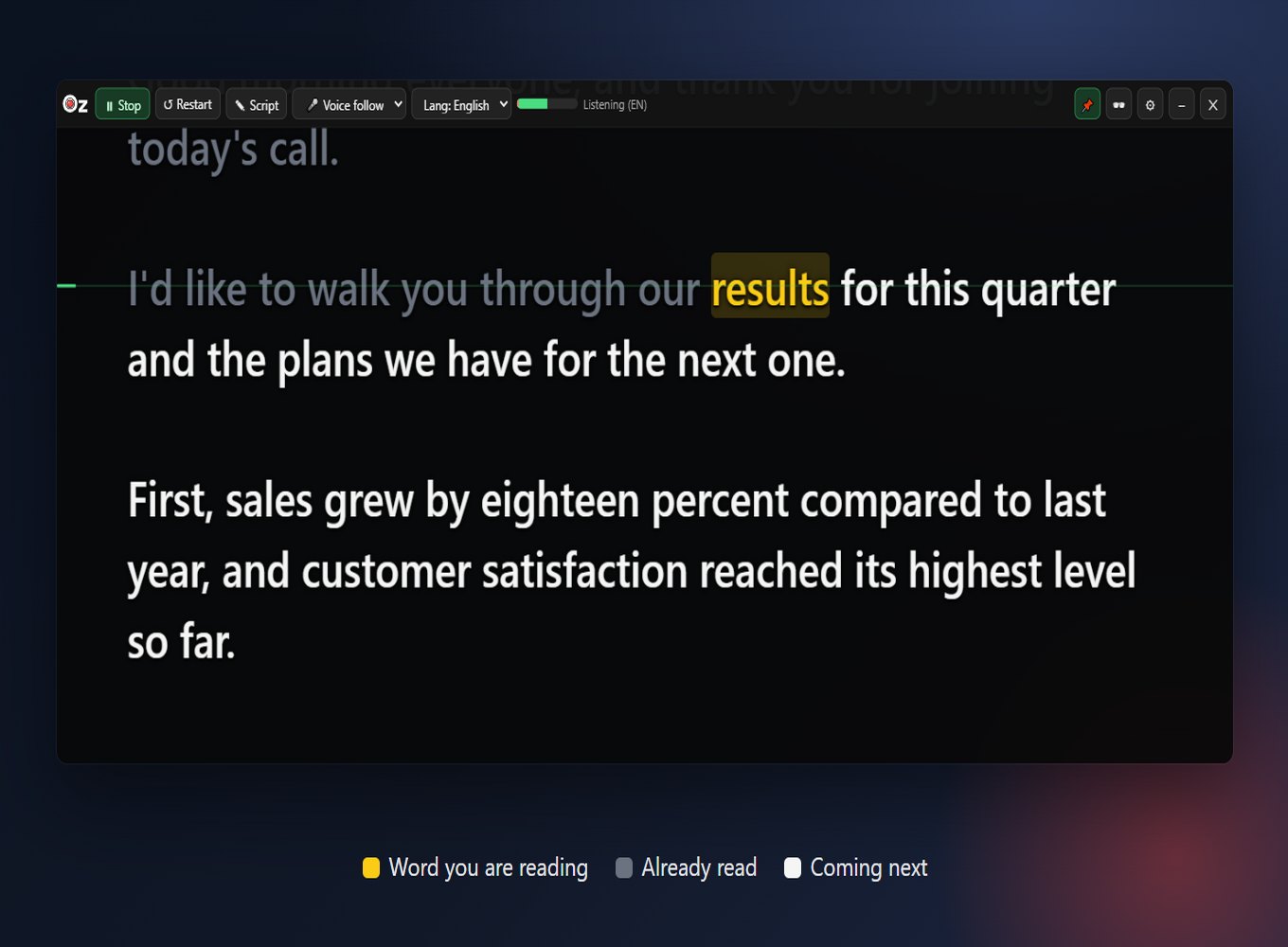
Classic teleprompters scroll at a fixed speed and you have to keep up. OzPrompter waits for you instead: pause and it pauses, speed up and it speeds up. The word you are reading is highlighted and what you have read fades, so you never lose your place.
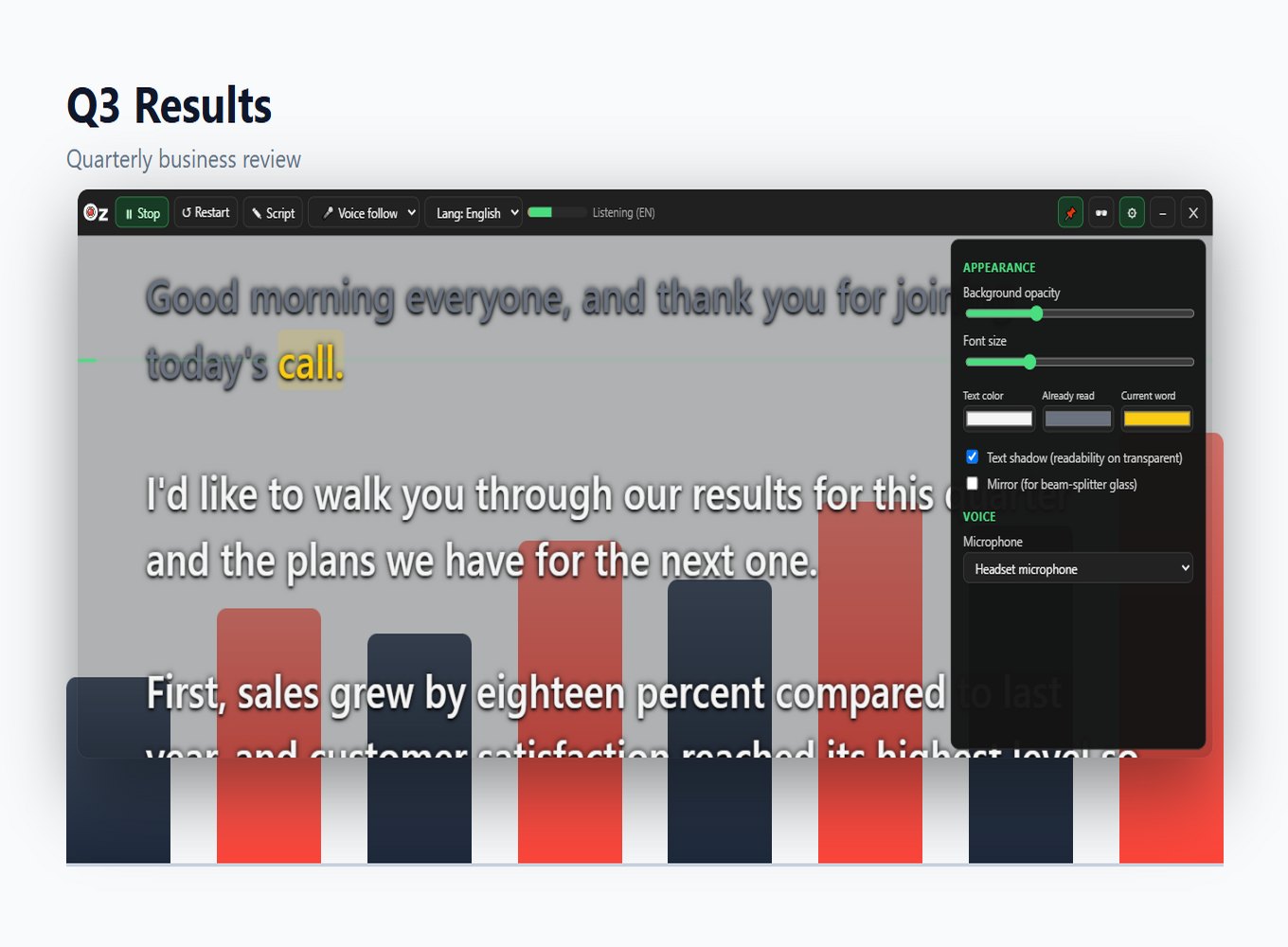
From fully transparent to fully opaque; a text shadow keeps it readable.
One click hides it from the screen you share; only you can see it.
Load .docx and .txt files, or simply drag and drop them onto the window.
Start, stop, go back, hide: works even while another app is in front.
Font size, line spacing, colors and the reading line are all yours to set.
Click any word to continue from there. Mirror mode for beam-splitter glass.
Download, install and give your first presentation. No credit card needed.
Windows 10 / 11 (64-bit) · about 180 MB
macOS 11+ · Apple Silicon and Intel · about 300 MB · Beta
Microphone required · Step-by-step installation →